Renura

Choose where Renura works, keep chosen hours quiet and erase optional history. These guides explain the controls if you need help.

15 notes
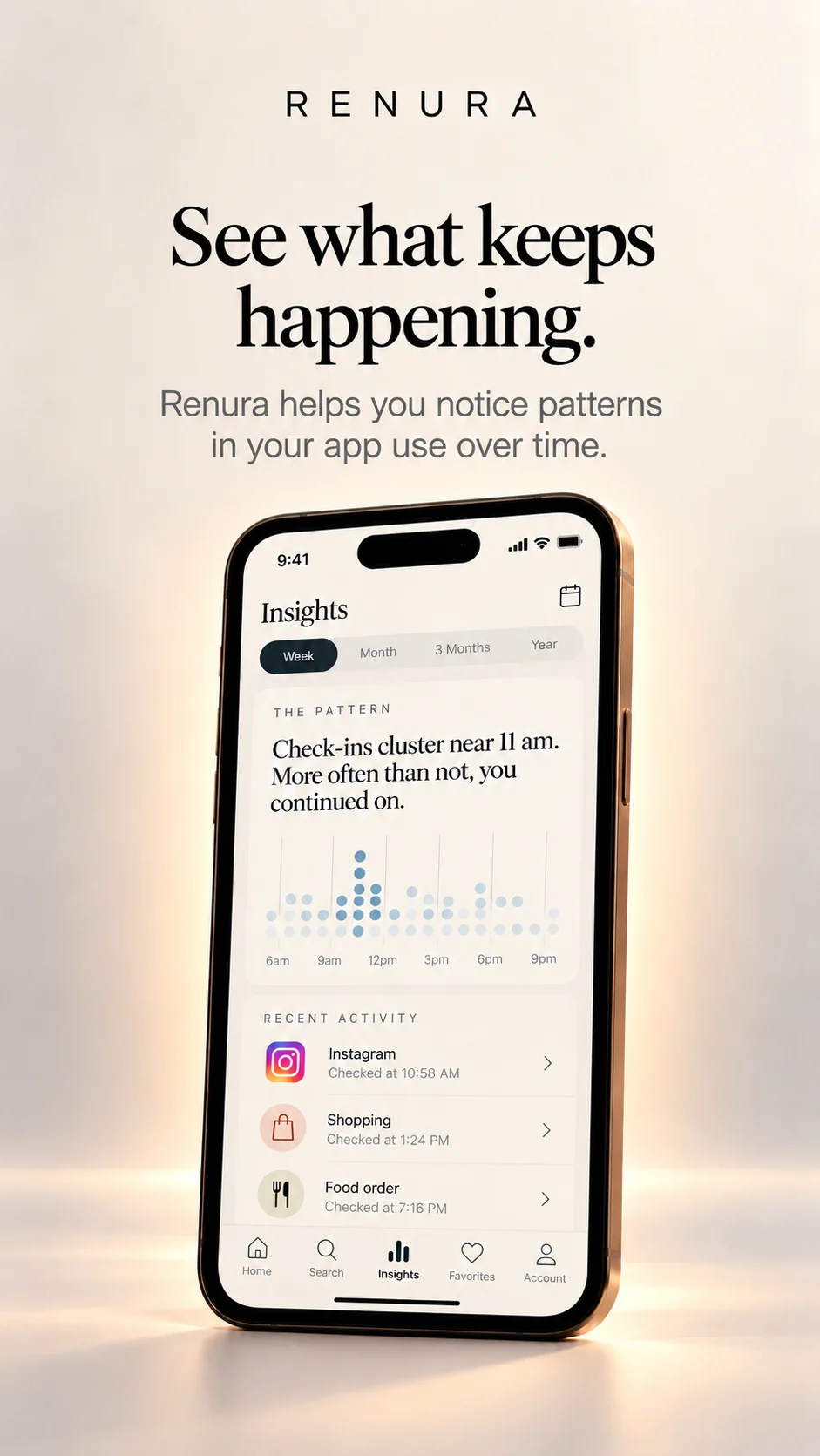
Renura

A pause without reading your screen

No screen-text or password reading. No internet access. A private moment to choose.

Renura

Why Continue is a real choice

You can stay. Renura leaves that choice with you.

Renura

What Renura cannot know

Renura cannot know why you opened an app, what you want to buy or what you can afford.

Renura

Choosing watched apps

Choose which apps Renura works in. Check the separate shopping list too.

Renura

Choosing Renura’s sensitivity

What Gentle, Balanced and Assertive change about when Renura offers a pause.

Renura

Setting Quiet Hours

Keep chosen hours free of Renura’s interruptions, including a period across midnight.

Renura

Pausing Renura for a session

Stop Renura for 15, 30 or 60 minutes, then let it resume.

Renura

Reading Reflection without a score

Look back at your pauses and choices. Optional history stays on your phone.

Renura

What check-in history records

The record shows your answer to a pause. It cannot tell what you bought afterward.

Renura

Erasing one kind of history

Clear one optional history, or switch remembering off to stop and erase it.

Renura

When Android stops protection

Check Renura’s status, Android permissions and battery settings if protection stops.

Renura

Renura alerts and notification checking

Renura’s own warnings and optional access to other apps’ notifications have separate settings.

Renura

A pause while you shop

A moment to choose while you shop. Renura does not place orders or authorise payments.

Renura

A day without a check-in

No pause today? Check your settings before assuming something is wrong.

Renura

How we would test Renura

We would ask whether pauses helped people choose, and when they got in the way.