Gentle offers a quieter approach. Balanced is the default. Assertive allows more frequent interruptions. Choose what suits you, and change it later in Settings.
Open Settings and find Sensitivity. There are three choices: Gentle, Balanced and Assertive.
Gentle is the quieter option; Assertive allows more frequent interruptions. Balanced is the default starting point. None of these choices sets a fixed number of pauses for the day.
Your other choices still apply. An app outside your selected lists stays outside them, and Quiet Hours keeps interruptions silent. You can turn Renura off whenever you want.
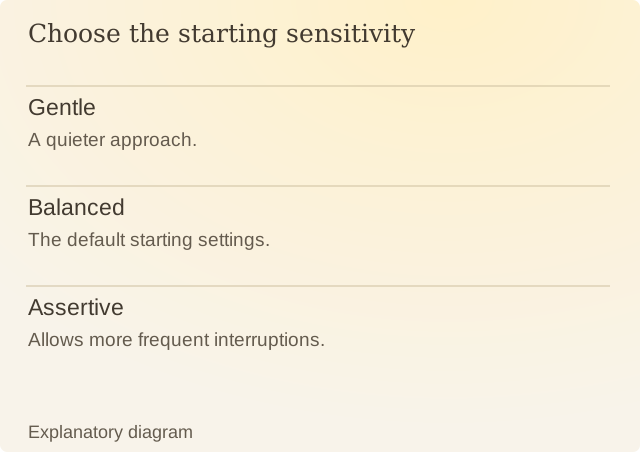
Read the diagram
| Item | Question or meaning |
|---|---|
| Gentle | A quieter approach. |
| Balanced | The default starting settings. |
| Assertive | Allows more frequent interruptions. |
Try changing one setting at a time. Notice whether pauses arrive when you want a chance to reconsider, or whether they interrupt a task you were already happy to continue. The app guide explains your privacy and pause choices.
If you want fewer interruptions during everyday use, try Gentle. If you need an uninterrupted half-hour right now, use a temporary pause instead. For the same quiet period every day, set Quiet Hours.
You can change Sensitivity again whenever you need to. Renura still offers Continue when a question appears, so the setting does not decide whether you should leave the app.
Sources
Renura: How the pause worksRenura’s guide. App controls checked on 9 October 2026.