Continue leaves you in the app. After you answer, Renura waits before asking again. You can also change the settings directly.
You can choose to stay. Continue is a complete answer to Renura’s question.
Pause gives you a way to step away from the activity. Continue leaves you in it. Finishing a planned order, replying to a message or watching something you enjoy can all be reasons to continue.
You do not need to justify your answer to Renura. The app guide explains the choice: a pause is an invitation to decide, and Continue keeps that decision with you.
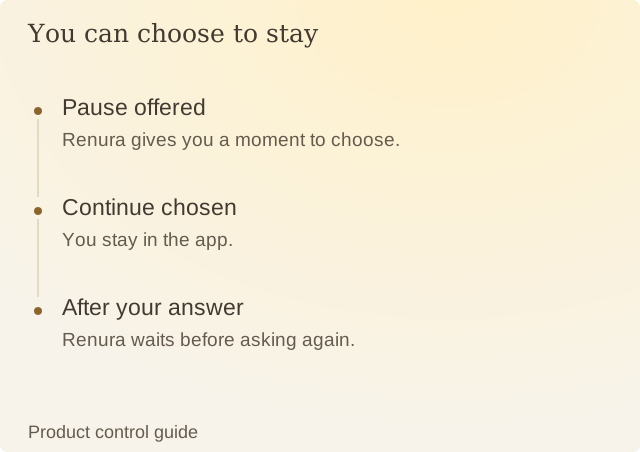
Read the diagram
| Step | Question or meaning |
|---|---|
| Pause offered | Renura gives you a moment to choose. |
| Continue chosen | You stay in the app. |
| After your answer | Renura waits before asking again. |
After either answer, Renura waits before asking again. A question that closes because of a technical interruption is recorded separately; it does not count as your answer.
You can change settings whenever you want. Gentle makes it slower to interrupt, Quiet Hours keeps chosen hours quiet, and a temporary pause stops observing activity and offering pauses for a set period.
Continue does not explain what happened afterward. It cannot tell Renura whether you completed a task, ordered something or kept browsing. It tells the app that, at that moment, you chose to stay.
Sources
Renura: How the pause worksRenura’s explanation. Controls checked against the app.
Renura: Our approach to evidenceHow we check facts, label examples and describe what has been tested.