No. Renura alerts lets the app warn when protection needs attention. Optional Notification checking concerns timing information from other apps; core protection can operate without it.
Check the setting name. One lets Renura send warnings. The other gives optional access to notifications from other apps.
Under Protection Alerts, Renura alerts manages warnings sent by Renura when protection stops working. Under Permissions, Notification checking manages optional access to timing information from notifications sent by other apps.
The support explanation and current Settings text distinguish these functions. Turning off incoming notification access does not automatically disable Renura’s own warnings, and enabling warnings does not grant incoming access.
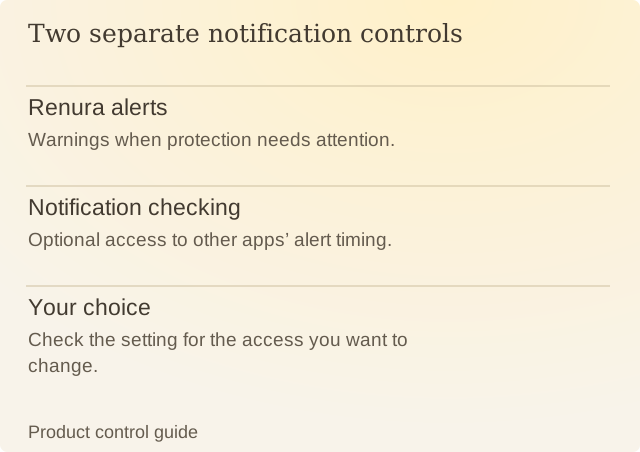
Read the diagram
| Item | Question or meaning |
|---|---|
| Renura alerts | Warnings when protection needs attention. |
| Notification checking | Optional access to other apps’ alert timing. |
| Your choice | Check the setting for the access you want to change. |
Imagine a fictional setup where someone keeps service warnings enabled but declines optional notification checking. Renura can still notice scrolling, tapping and app-use timing. Optional Notification checking remains off, and Renura can still offer pauses. Renura does not read messages or notification text. The privacy overview explains what stays private.
Check the control for what you want to change. If the goal is to receive a warning when protection fails, inspect Renura alerts. If the goal is to change optional incoming access, inspect Notification checking and the Android permission state.
Android can show a reminder about incoming access while Renura sends no warning. The label and settings destination help identify which function is involved. The privacy policy describes what optional access allows and what stays private.
Sources
Renura: SupportRenura’s support guide. Android menus vary by phone.