No. Renura offers a pause while you use your selected shopping apps. Renura cannot place orders or authorise payments for you. The decision to buy stays with you.
Shopping Guard gives you the option of a pause in shopping apps. Open Settings, enable it and choose the apps you want included.
A pause gives you a moment to ask whether you still want the order. Continue leaves you in the app. You can finish a purchase you planned, change the basket or step away.
Renura does not read your basket, password or payment details. It does not place an order, enter your PIN or authorise a transaction. The privacy overview explains these boundaries.
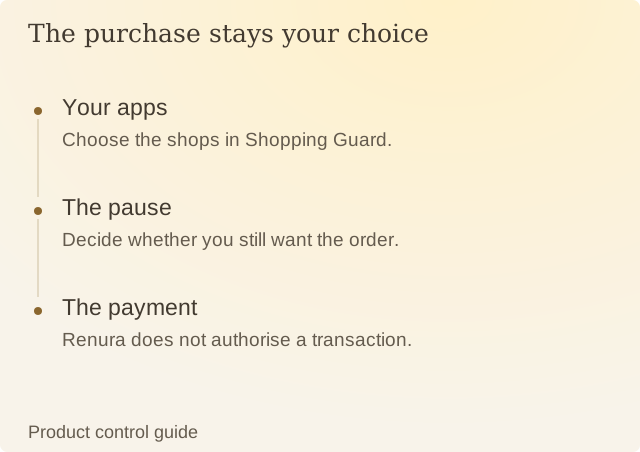
Read the diagram
| Step | Question or meaning |
|---|---|
| Your apps | Choose the shops in Shopping Guard. |
| The pause | Decide whether you still want the order. |
| The payment | Renura does not authorise a transaction. |
Shopping Guard and Watched Apps have separate lists. To leave a store out completely, remove it from both. You can also turn Shopping Guard off while keeping your other chosen apps available.
For an uninterrupted shopping session, use the temporary protection pause. It ends after the time you choose; you can resume earlier in Settings.
Renura has no internet access. Any optional history stays on your phone, with local controls for erasing it. Your choice to buy remains yours.
Sources
Renura: How the pause worksRenura’s guide. App controls checked on 9 October 2026.