Renura cannot know why you opened an app, how you feel or what you can afford. It senses patterns in scrolling, tapping and engagement. When it offers a pause, you choose whether to continue.
Scrolling and tapping can look alike across different tasks. Returning to an app could be work, a conversation or checking for an update.
You can spend a long time in an app because you are reading something you want to finish. You can move quickly because you already know what you came for. Renura does not read the content or know your reason.
The app guide describes these limits. When a question appears, you decide whether you want to continue based on what you opened the app to do.
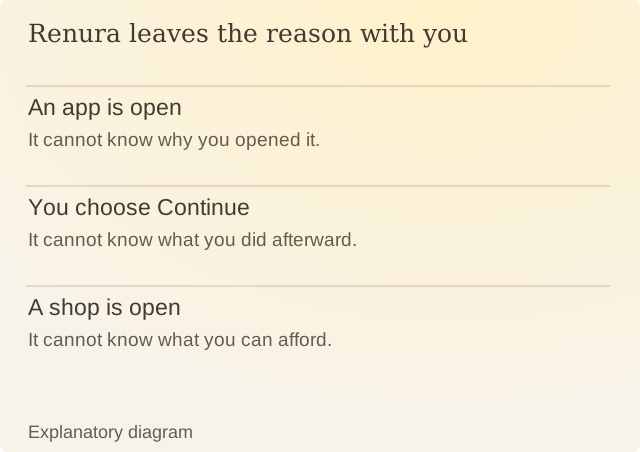
Read the diagram
| Item | Question or meaning |
|---|---|
| An app is open | It cannot know why you opened it. |
| You choose Continue | It cannot know what you did afterward. |
| A shop is open | It cannot know what you can afford. |
Shopping follows the same rule. Renura does not know which item you want, your bank balance or whether you finished paying. A quick checkout could follow hours of careful research elsewhere.
Choosing Pause records an answer to that question. It does not show whether you bought anything later. Choosing Continue does not mean you wasted time or bought something you did not want.
Processing happens on your phone without internet access. The privacy policy describes what is stored and how to erase it. You can change the selected apps, set Quiet Hours or pause protection if Renura is interrupting when you do not want it to.
Sources
Renura: How the pause worksRenura’s explanation. Controls checked against the app.
Renura: Our approach to evidenceHow we check facts, label examples and describe what has been tested.