No. Renura may stay quiet because your settings prevented interruptions or a permission was missing. It also does not offer a pause in every session. Check its status and selected apps first.
A day without a pause can have several explanations. Start with Renura’s status in Settings rather than waiting for a question to test whether it works.
Check that protection is on and the required Android permissions are available. Support explains which settings to inspect. If protection was off or Android stopped the service, Renura could not offer pauses normally.
Next, check the app lists. Watched Apps and Shopping Guard have separate selections. Activity in an app you excluded will not tell you whether Renura works in the apps you selected.
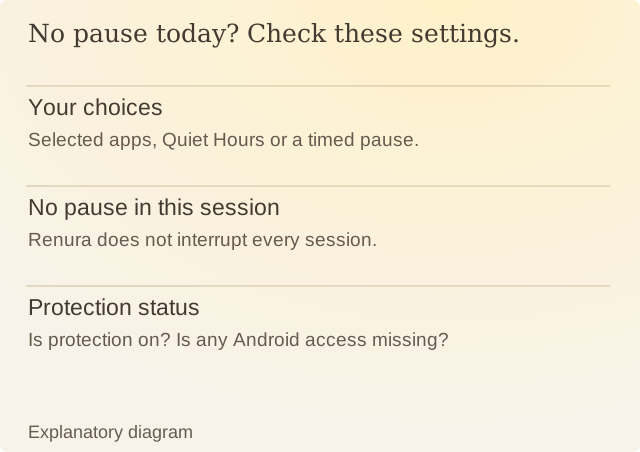
Read the diagram
| Item | Question or meaning |
|---|---|
| Your choices | Selected apps, Quiet Hours or a timed pause. |
| No pause in this session | Renura does not interrupt every session. |
| Protection status | Is protection on? Is any Android access missing? |
Review Quiet Hours and any temporary pause. Renura also waits after you answer a question, so it may be silent because you recently chose Pause or Continue.
If everything is enabled, Renura can still stay quiet. A pause is not promised during every session.
The absence of a pause cannot tell you whether you were happy with how you used your phone. If you expected one, note which app you were in, the time and what you were doing. That gives a support report more useful detail than a daily prompt count.
Sources
Renura: SupportRenura’s support guide. Android menus vary by phone.
Renura: How the pause worksRenura’s guide. App controls checked on 9 October 2026.