Yes. Erase reflection memory and Erase app summaries clear their respective histories while leaving the option enabled. Turning either remembering option off instead stops and clears that history.
Choose which history to erase. You can clear scrolling and tapping summaries without clearing app-use summaries.
In Settings under Data, Remember my rhythm controls the optional summaries of scrolling and tapping. Remember my app patterns controls optional app-use summaries. Each has its own erase action.
The data controls distinguish clearing existing history from stopping future recording. Erase reflection memory clears the rhythm store; Erase app summaries clears the app-use store. If remembering stays on, new history can be recorded afterward.
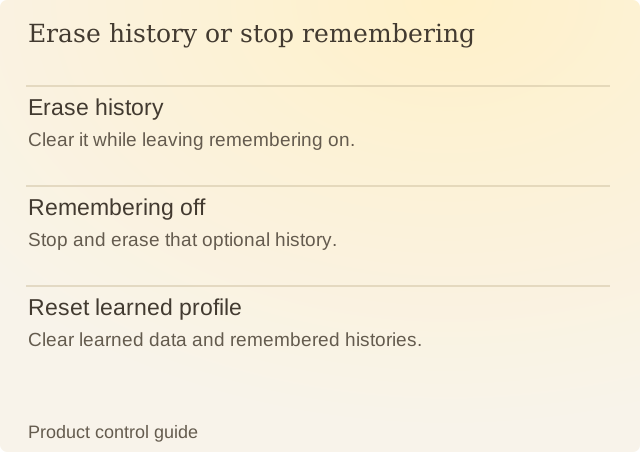
Read the diagram
| Item | Question or meaning |
|---|---|
| Erase history | Clear it while leaving remembering on. |
| Remembering off | Stop and erase that optional history. |
| Reset learned profile | Clear learned data and remembered histories. |
Turning off a remembering option both disables it and clears its corresponding history. If the goal is to keep that category empty, check the toggle state after clearing rather than assuming an erase button disabled recording.
Reset learned profile is a broader control with a different purpose. It clears learned data and remembered check-ins while preserving chosen setup preferences. The two erase buttons let you clear one kind of history while keeping your settings.
After erasing, Reflection needs new recorded activity before it can describe another pattern. An empty view reflects the history you removed, rather than a change in how you used your phone. The privacy policy remains the full account of access, retention and deletion.
Sources
Renura: Data controlsRenura’s guide. Settings checked against the app.