A shortcut helps when it removes repeated work while keeping the destination, total and commitment clear. Count what it removes and what you can still review.
Fewer steps can help. Re-entering an address takes time, especially on a small screen where typing errors need correction.
In an invented repeat grocery order, a saved basket restores the same six products. It saves the work of finding them again. Before paying, the person can still change quantities, see substitutions and check this week’s total. The person gets the groceries they came for with less repeated work.
Now change one detail: the restored basket includes an extra subscription with recurring billing. Restoring groceries has now added a recurring payment. The buyer needs to see and choose that subscription before paying.
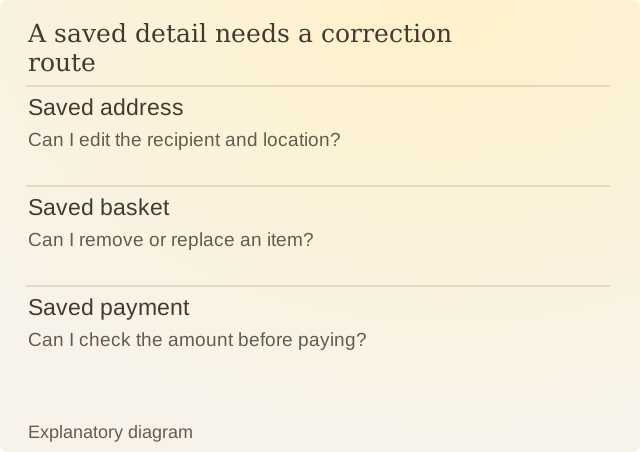
Read the diagram
| Item | Question or meaning |
|---|---|
| Saved address | Can I edit the recipient and location? |
| Saved basket | Can I remove or replace an item? |
| Saved payment | Can I check the amount before paying? |
Android’s App Links documentation explains how a link can open corresponding content directly in an installed app. That reduces navigation work. It gives no guarantee about what the destination asks a person to agree to.
Check what the shortcut remembers. Is this still your delivery address? Is each item listed in the quantity you want? Can you see the complete price before paying?
Convenience also needs a way to recover. An editable address and a visible order summary make a wrong saved detail fixable. If changing that detail requires restarting the whole journey, the saved details can cost you time when they are wrong.
Sources
Android: About App LinksAndroid’s guide to opening website links in an installed app.