An app link can route a web address to corresponding content in an installed app. At the destination, check the price and what the next action commits you to.
The link opens a jacket. Check which size, seller and price the shop shows.
Android App Links allow verified website addresses to open corresponding app content directly. A product link can skip the homepage. Verification establishes that the website and app belong together. You still need to assess the offer.
Imagine a fictional ad for a blue jacket opening the retailer’s app. The app shows the jacket with a previously saved size. The model name carried across; the size came from another source. Before paying, both need to match the current task.
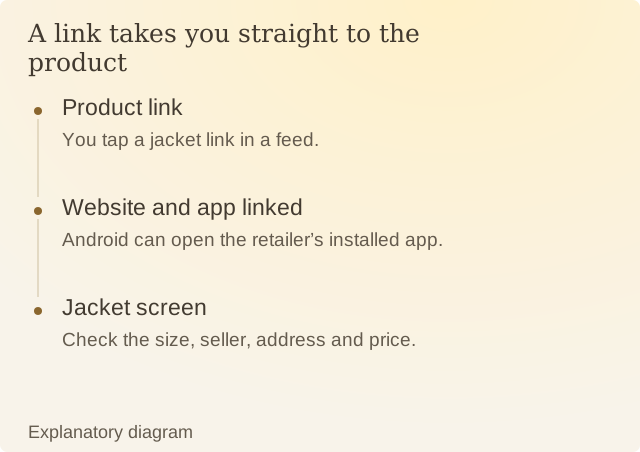
Read the diagram
| Step | Question or meaning |
|---|---|
| Product link | You tap a jacket link in a feed. |
| Website and app linked | Android can open the retailer’s installed app. |
| Jacket screen | Check the size, seller, address and price. |
Other details can change when the shop opens. The app may apply member pricing, a different seller or the account’s saved delivery location. Compare the version, quantity, price and address shown now with the offer that prompted the visit.
A direct route can be useful when you already want the item. It also makes the boundary less visible because the next screen is ready immediately. Knowing which details arrived from the link and which came from the account helps you spot a wrong size or address before paying.
Opening an item is still separate from ordering it. Follow the current screen’s terms and confirmation language rather than assuming that the earlier ad contained everything relevant to the purchase.
Sources
Android: About App LinksAndroid’s guide to opening website links in an installed app.