A food video can help you find dinner you want. Before ordering, check the meal, quantity, arrival time and full price. Following a link does not decide those things for you.
A food video shows a meal. There is a restaurant link, a menu and a button to order. You can move through all three in a few taps.
You may already have wanted dinner from that restaurant. The video could also have introduced it to you for the first time. Either way, you can choose the order now in front of you.
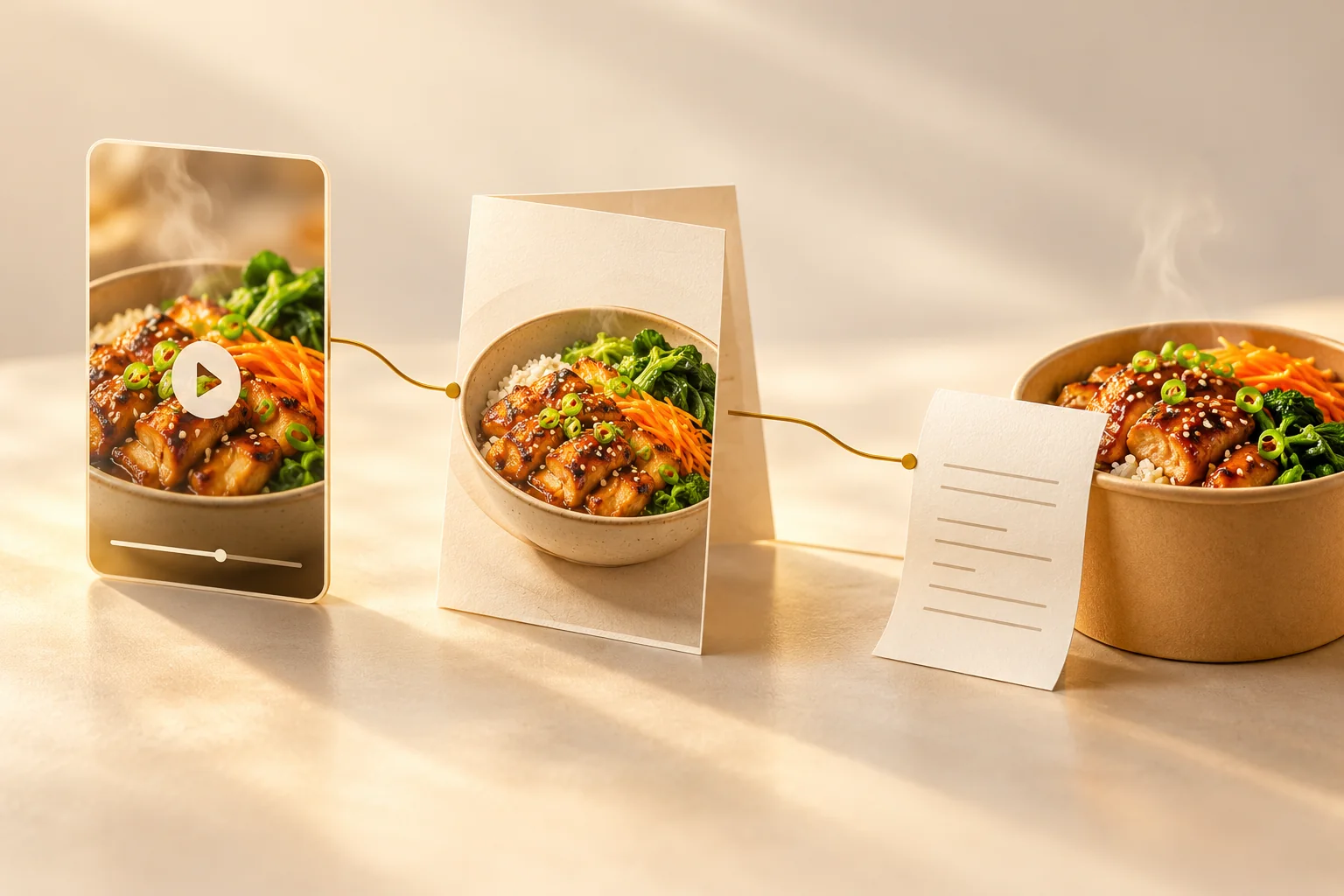
Here is an invented example. The dish costs $28 delivery is $3.50 and another charge adds $2. The total is $33.50 before any further charges. That is the amount to compare with another meal, rather than the dish price alone.
If a deal asks you to add a drink or another dish, check the new total. Removing a delivery fee can still leave you paying more for the larger order.
The CMA’s review of online design examines how screens present choices. Here, look for the added items, offer conditions and complete bill before payment.
Check the portion and arrival time too. A meal for one, an order for several people and food arriving after you need it are different purchases, even if the same video started them.
You can keep the order, change it or close the app. Seeing the meal gives you an option. It leaves you free to decide whether you want it.
Sources
CMA: Evidence review of online choice architectureResearch review, 2022. Examines interface practices. Renura-specific effects are outside its scope.