The panel can name reasons for showing the ad and let you change some settings. It may give only part of the explanation.
In a 2019 explanation of its ad controls, Meta described exposing more information about targeting and businesses uploading customer lists. This is an explanation from 2019. The menus you see now may use different wording.
Suppose a fictional panel lists an age range and a general location. Those reasons are broad enough to apply to many people. They do not tell you which particular visit or search led to the ad.
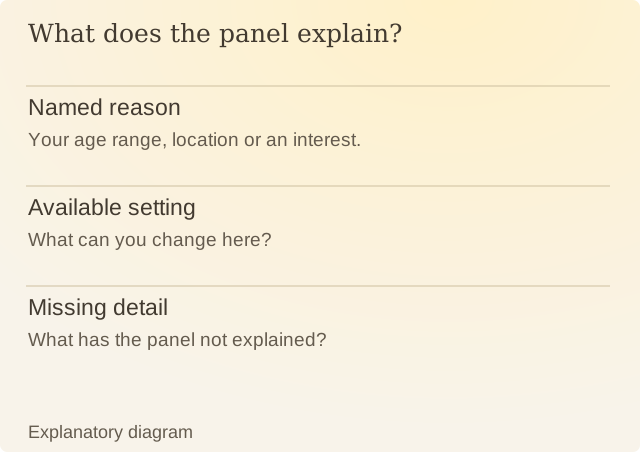
Read the diagram
| Item | Question or meaning |
|---|---|
| Named reason | Your age range, location or an interest. |
| Available setting | What can you change here? |
| Missing detail | What has the panel not explained? |
An explanation can also omit detail. The absence of a reason from the panel is not proof that a campaign did or did not use it. To check further, you would need records from the advertiser and platform that the panel may not show.
Google’s current ad-control documentation describes opening controls through More or Info on supported ads. The available actions depend on where you see the ad and whether you are signed in. Changing the ad mix differs from removing advertising altogether.
A useful inspection saves the ad, its stated reasons, the date and any settings you changed. That gives you a record to compare later. If the explanation leaves something out, the saved panel alone will not answer it.
Sources
Meta: Why am I seeing this ad?Historical first-party explanation, July 2019. Current menus may differ.
Google: Control your ad experienceFirst-party account of ad controls and explanations.