People need different things from the same screen. A saved address may help someone who finds typing difficult. Others may need larger text or more time to check an order.
The same meal can meet different needs.
In an invented delivery comparison, one person has time to cook and another has no usable kitchen that evening. Both see the same $6 delivery fee. The calculation is unchanged. Their alternatives differ.
A saved address may remove repetitive typing for someone who finds typing difficult. A surprise address change may require careful correction. Making every person complete the same number of taps does not make the experience equally usable.
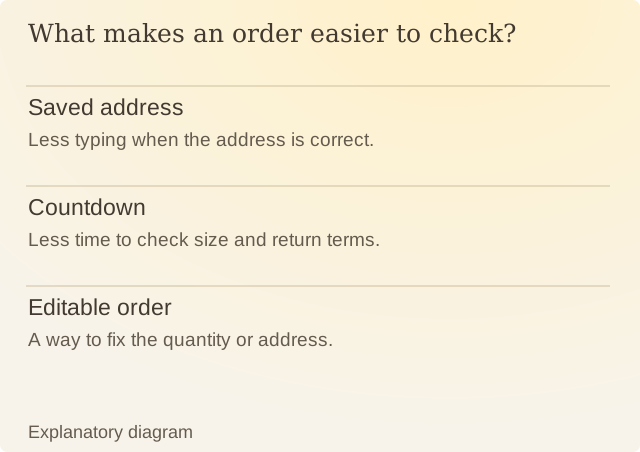
Read the diagram
| Item | Question or meaning |
|---|---|
| Saved address | Less typing when the address is correct. |
| Countdown | Less time to check size and return terms. |
| Editable order | A way to fix the quantity or address. |
Android’s notification documentation describes several ways a notification can appear and interrupt. The same alert can help someone awaiting a time-sensitive update and add unnecessary work for someone who does not need that update.
Assess an interface through concrete tasks: finding the full price, changing a quantity, reading the terms at larger text sizes, and leaving without losing unrelated work. Ask people about those tasks instead of assigning motives from completion time.
For Renura, this supports direct controls for watched apps, sensitivity and quiet hours. A setting chosen once can need changing when a person’s work or routine changes. You can change those settings whenever your routine changes.
Sources
Android: Notifications overviewAndroid documentation, checked on 9 October 2026.
Renura: How the pause worksRenura’s guide. App controls checked on 9 October 2026.