Record the offer, deadline and conditions, then compare them after expiry under the same conditions. Investigate a reset. It may reveal a misleading claim; check whether the conditions explain the change.
The 2019 shopping-site study by Mathur and colleagues examined deceptive interface practices, including urgency mechanisms. Use those historical examples to frame the check. To assess a current timer, record what it does.
Consider an invented offer for a watch at $120 until 8 pm. Save the stated price and conditions. At 8:05, compare the same model, seller, account and region. If the price remains $120 ask whether the original claim concerned this price, a separate coupon or only a stock reservation.
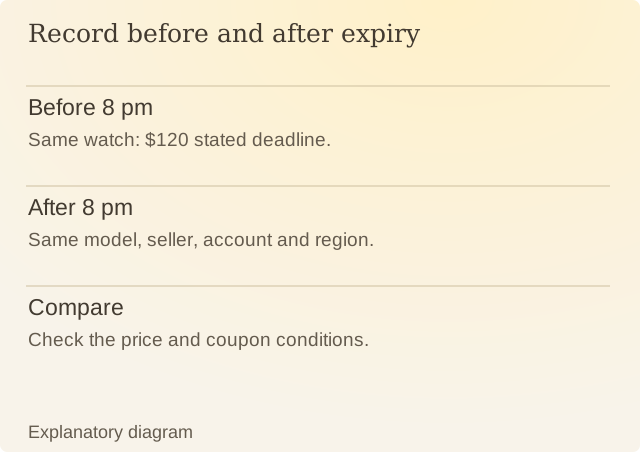
Read the diagram
| Item | Question or meaning |
|---|---|
| Before 8 pm | Same watch: $120 stated deadline. |
| After 8 pm | Same model, seller, account and region. |
| Compare | Check the price and coupon conditions. |
Reopening a page can also reveal a new timer. That alone leaves several possibilities: a new promotion, a per-session limit or an inaccurate urgency claim. The terms should explain which applies. Check the explanation against the offer you saved.
The deadline changes when you can obtain an offer; it does not determine whether the item fits. If choosing before expiry prevents checking size or the return policy, you would still be buying without knowing whether you can use or return it.
A genuine sale can end on time. Compare the saved offer with what you saw afterward. A timer ending on time and one that keeps restarting give you different information.
Sources
Mathur and colleagues: Dark Patterns at ScaleOriginal shopping-site study, 2019. Historical observations, not a current audit of every store.