A badge may represent a notification or an app-defined count. Look at what it counts. The dot alone cannot tell you whether a friend has replied or the app has another offer.
A red dot could announce a reply or draw you toward a promotion.
Android documents notification dots as one way of indicating active notifications on supported launchers. An in-app red badge can follow the app’s own rules. A dot on your home screen may count something different from a badge inside the app.
Consider an invented messaging app that places one badge over direct messages and another over suggested groups. The marks may look similar. Only one necessarily refers to a message addressed to the person.
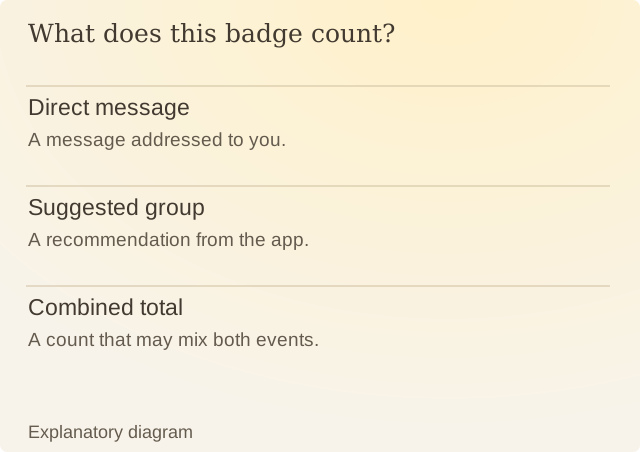
Read the diagram
| Item | Question or meaning |
|---|---|
| Direct message | A message addressed to you. |
| Suggested group | A recommendation from the app. |
| Combined total | A count that may mix both events. |
Inspect what clears the badge. Reading a message, opening a promotion and dismissing a notification are different actions. If the app combines them into a single number, the total cannot tell you which event deserves attention.
What do you want to hear about? Look for separate settings for messages, recommendations and promotions. Android notification categories may provide some separation even when the app’s own page is sparse.
Even a correct total can include updates you do not want. If you are waiting for a direct reply, an app’s total activity badge may send you to unrelated material. Understanding what the number counts gives you a clearer way to decide whether opening the app is useful.
Sources
Android: Notifications overviewAndroid documentation, checked on 9 October 2026.