Ask what changed, whether the update concerns your task, and what you can do with it now. A message that only invites another visit carries a different kind of information.
What changed since last time? That question gives an alert a job to do.
A dispatch update can help someone arrange to receive a parcel. A reminder that an unused offer expires tonight concerns a different task. Both may be timely, yet they ask for different actions.
Android notification channels let apps group notifications and let people control those groups. The separation is only as useful as the categories the app provides and the phone’s Settings interface exposes.
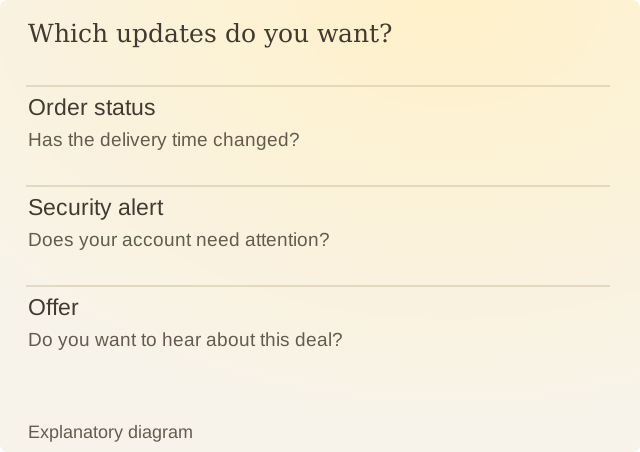
Read the diagram
| Item | Question or meaning |
|---|---|
| Order status | Has the delivery time changed? |
| Security alert | Does your account need attention? |
| Offer | Do you want to hear about this deal? |
In an invented app, order status and promotional offers arrive through separate categories. You can keep updates about your order while silencing new offers. Turning off the whole app would remove both.
The alert’s timing also matters. An accurate update can arrive too late to support a decision; a reminder can arrive repeatedly after the relevant task has ended. Review delivery time and repetition alongside the words.
Check whether the alert arrived when you could use it, and whether you wanted it. A notification containing no new information may still be a requested reminder. A reminder you asked for can be useful even when nothing has changed. Calling an offer urgent does not make it something you need to act on.
Sources
Android: Create and manage notification channelsAndroid documentation. Phone makers can change the Settings interface.