No. Saving payment details changes how the payment information is entered. Each new purchase still has its own total, recipient and terms to review.
Saving removes repeated entry. It does not carry a decision from one order to the next.
Chrome’s payment-information documentation distinguishes stored payment details and information managed through Google Wallet. Removing a browser entry may not remove the same information from every connected place.
A fictional shop remembers a card and address after an earlier order. On the next visit, the person selects a different item. The saved fields still need checking, particularly if the recipient, price or billing arrangement changed.
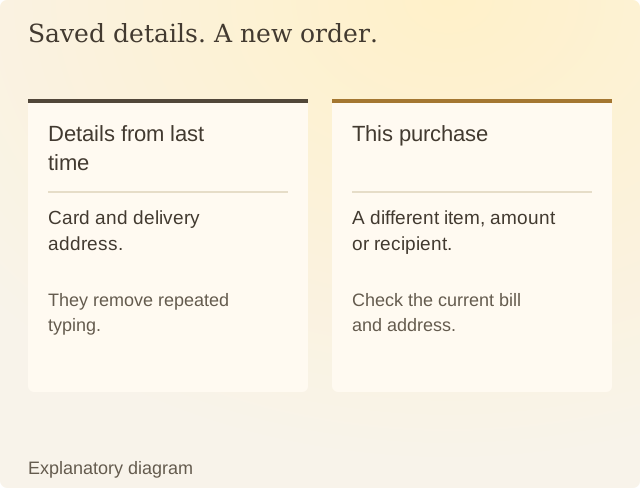
Read the diagram
| Situation | What happens | What to check |
|---|---|---|
| Details from last time | Card and delivery address. | They remove repeated typing. |
| This purchase | A different item, amount or recipient. | Check the current bill and address. |
You can decide whether repeated entry is useful effort for your task. Someone who finds typing difficult may want to keep the shortcut; someone who wants an extra moment to review the order may prefer not to store details. You can choose whether to keep those details saved.
If you remove stored details, inspect the merchant, browser and wallet settings that apply. Do not assume one removal changes unrelated payment services. Also keep in mind that deleting a saved method does not by itself cancel an existing subscription or amount already owed.
Before authorising, check the current amount, recipient, address and renewal terms. Saved details can be correct for an earlier order and wrong for this one.
Sources
Chrome: Manage payment informationChrome’s payment-details guide. Browser and wallet storage can differ.