Review watch history and the platform’s recommendation feedback controls. Removing a past event, pausing history and marking a suggestion unwanted are different actions.
YouTube’s recommendation guidance describes removing items from history, pausing history and providing feedback such as Not interested. These controls affect the platform’s inputs in different ways; what you can change may depend on whether you are signed in and where you use YouTube.
In an invented example, someone watches several gardening videos to help a relative choose equipment. That task ends. Removing those events addresses the history; marking a current suggestion unwanted provides feedback about a recommendation shown now.
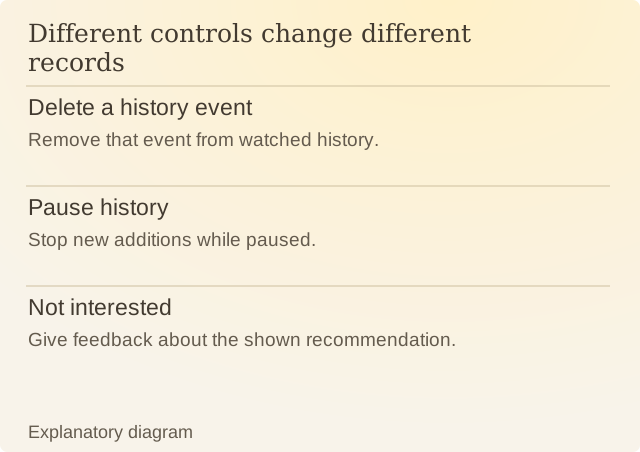
Read the diagram
| Item | Question or meaning |
|---|---|
| Delete a history event | Remove that event from watched history. |
| Pause history | Stop new additions while paused. |
| Not interested | Give feedback about the shown recommendation. |
Pausing history stops new views being added while it is paused. It does not erase the history already there. After a temporary change for research or a shared-device session, check whether history is still paused.
Record the action and the reason before judging its result. Recommendations can draw on more than a single event, so the first new list may not let you isolate the effect of one setting.
You can tell YouTube that those gardening videos no longer interest you. A full view can mean research, comparison or interest. Feedback and history choices let you supply a more specific signal without having to treat every past view as something you will always want to watch.
Sources
YouTube: Manage recommendations and search resultsPlatform documentation checked on 9 October 2026.