Autoplay can start another video as soon as the current one ends. Turn it off to choose the next video yourself. You can still keep watching for as long as you want.
You chose the first video. Autoplay can start the next for you.
YouTube explains that autoplay starts a related video after the current video finishes. Its documentation also notes that settings can differ between devices. Turning it off on a laptop does not necessarily change the phone.
Before the next video starts, ask whether you want it. Did the current video answer the question you opened it for? Is the next title relevant? A player that starts again immediately changes when you get to consider those questions.
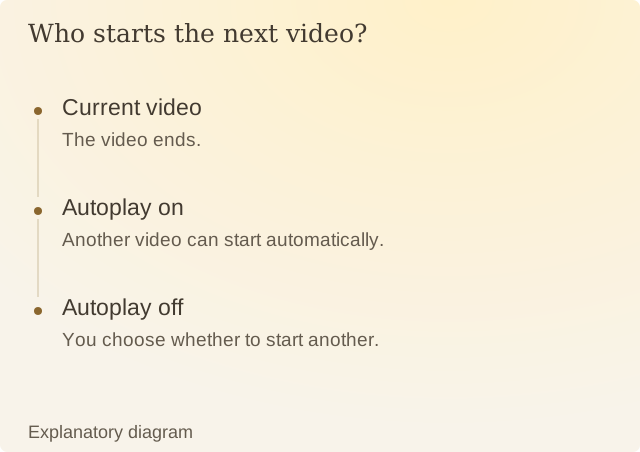
Read the diagram
| Step | Question or meaning |
|---|---|
| Current video | The video ends. |
| Autoplay on | Another video can start automatically. |
| Autoplay off | You choose whether to start another. |
For YouTube on Android, the documented route is Settings, then Autoplay. The watch screen also provides a switch. Check the state on the device you actually use; account type and supervision can affect available controls.
Imagine a fictional tutorial session. The first video finishes a repair explanation; the next begins a product review. Both can be useful, but the second has a different purpose. With autoplay off, choosing it requires a fresh action after the repair lesson ends.
Turning autoplay off leaves recommendations available. You can watch another, finish the session or search for something else once the repair lesson is complete.
Sources
YouTube: Autoplay videosPlatform documentation checked on 9 October 2026.